NEW ONLINE BANKING PLATFORM
............LAUNCHING MONDAY, SEPTEMBER 28
Don’t have Online Banking? Sign up today to conveniently manage all your PlainsCapital accounts in one place.
FIRST TIME LOGIN
+
_
What you need to know the first time you log in to online banking after the September 28 launch:
- Your username will remain the same.
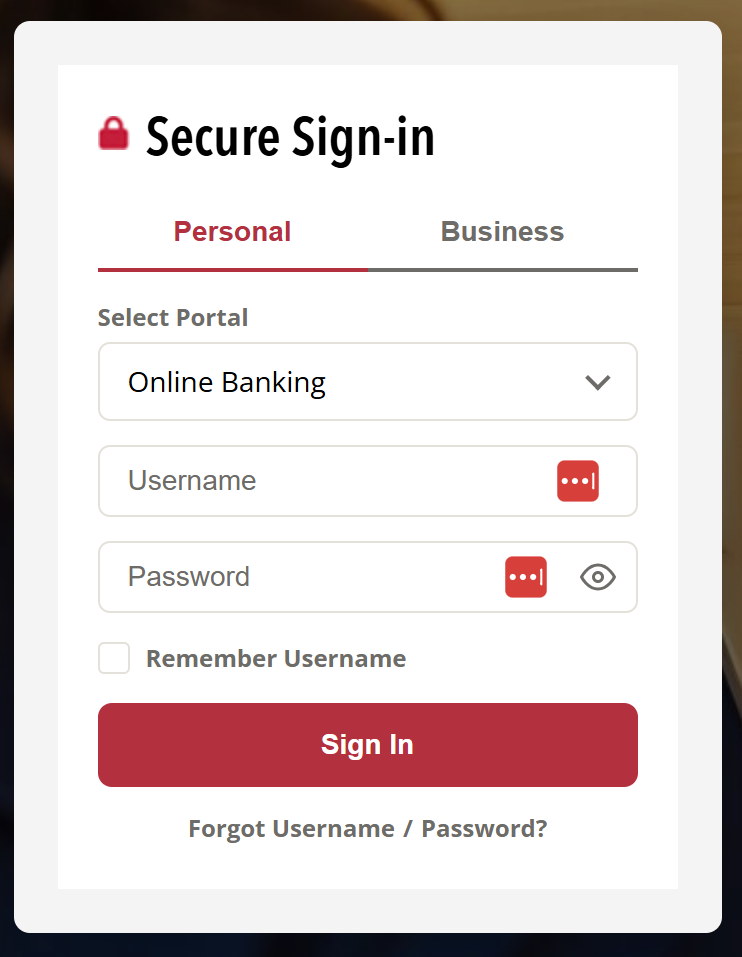
- On the plainscapital.com homepage, enter your User Name and current Password in the Secure Sign-In area. Click “Sign In”.
- You will be asked verification information before creating a new password. PLEASE NOTE: Your mobile phone number will be necessary to complete this step.
- If you have provided login access to a third party (ex. Mint.com, Credit Karma), you will need to reestablish these connections from within the 3rd party application.
Digital ID [Online & Mobile]
- The first time you login, you may receive a pop-up prompt to opt in to Digital ID. If you choose to opt in, Customer Service will be able to send you a mobile verification code when you contact us. Digital ID may also be turned on/off in your Settings.
Faster Login [Mobile Only]
- The first time you login, you may receive a pop-up prompt to turn on Biometric ID. If turned on, Biometric ID will allow you to login faster to the PlainsCapital mobile banking app by using your device’s security settings. Biometric ID may also be turned on/off in Settings.
- Biometrics – Face or Fingerprint
- PIN
- Unlock Pattern